Game Physics
by Ben Kenwright
Simply put, game physics makes your game look amazing. From objects falling to the ground under gravity, to connected objects with springs such as bridges and ropes... with just a little bit of extra work, you can create effects that will make almost anyone drool. Most people, when you say Game Physics, usually give a shudder and think of all the maths and equations... but hopefully, after reading a few of my tutorials on the subject, you'll be able to throw together some great effects... simple cloth using Verlet Integration or springs... stacks of blocks using rigid bodies... or even a racing car with bouncy spring suspension.
I find that a lot of the problems with game physics come from the way it's explained, or from guides that don't show the simple hacks to fix issues like sinking or jiggling... which I'll show you.
But be warned... physics programming is not an easy road. God only knows how many papers and books on the subject I've read, and everyone out there seems to have their own way of solving different problems... some of the solutions, to me, involve so much maths and problem‑solving they could put you into a coma... still, stick with me and I'll try to get you through it.
The beauty, though, is that at the heart of most things it's pretty simple, and I'll hopefully enlighten you to the hows and tos of it all, and give you some straightforward demos you can experiment with to take your understanding to the next level... and before long you'll be wondering why you'd never done it before :)
 | Understanding the Basics |  |
Well, it's always best to start simple, I say... We'll begin with basic objects and core ideas such as gravity, constraints, and collisions, and expand on them step by step... Hopefully you've got a bucket of coffee on your desk, because some of this can get pretty boring... but let's roll out...
• Simple Rigid Body Physics Impulses (Cubes)
• Penalty Based Rigid Bodys (Springs)
• Accumulated Impulse Rigid Bodies
• Verlet Integration (Constraints, Cloth Effects)
• Convex Shapes
• Minkowski Difference (for use with Collisions and Physics)
• Sparse Arrays (Speed is everything)
• Using ODE Physics Engine with C#
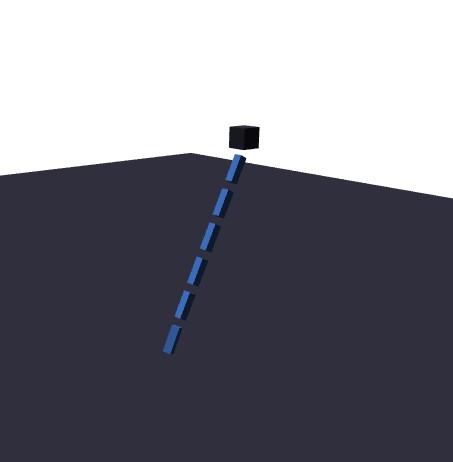
• How Global Constraint Solvers Work (Joints, Stacks, Ragdolls, Bridges, Cars, ...)
| Workshop Series on Game Physics | |
A range of mini‑workshops to help you focus on refining your skills in a particular area. Starting off with the basics - the laws of mechanics (Newton's equations) - and gradually working your way up to more complex and juicy concepts, such as soft‑body (squishy) objects and fluid dynamics (splishy, sploshy, and gases).
| Misc Physics Things | |
A complete game engine can be a monster task...I mean there's companies who do this for a living (i.e. Havok and MathEngine)...so for us, we'll just see how far we can take this....simple rigid bodies....constraints....some ragdoll effects
Collision Detection of Objects (Cubes, Spheres, Sausages...)
Gravity and Impulses
Constraints and Sticking Together
Springs
Character Physics, Ragdoll Effects
Cloth System
....
| Simple Physics Demos | |
I'm always experimenting and testing out new ideas, and to really understand what's going on I have to sit down, code things, and see them in action... because if you read around - different books, research papers, random websites - you'll pick up all sorts of new ideas and tricks to try when you're stuck with a problem... but until you actually sit down and implement them, you never get that moment of ha... so it worked :)
• Bouncy Ball - A simple...I mean very simple example of some rigid body spheres bouncing around in a room
• Impulse Based Systems - includes constraint impulses for ragdolls and bridges
| Game Physics by Kenwright (Book) | |
This little book started as my own messy trail of experiments-scribbles in old notebooks, half‑working prototypes, and those late nights where you swear you'll quit... right before something finally clicks and you fall in love with it all over again. I never set out to "write a book"; I just kept chasing the little sparks that happen when you poke at physics and it suddenly behaves, or misbehaves, in some wonderfully unexpected way.
Somewhere along the way, the notes piled up, the ideas grew legs, and I realised I wanted to share that feeling-the frustration, the breakthroughs, the quiet joy of watching a simulation come alive. It's been a long road, but a heartfelt one.
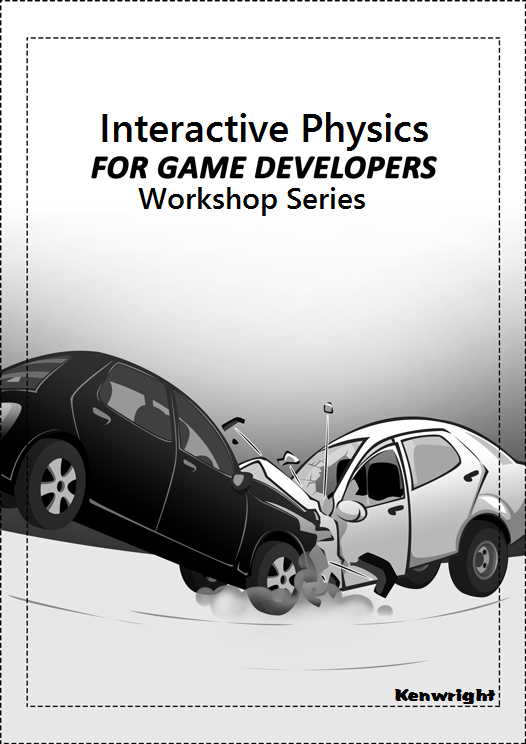
Introduction to Game Programming Physics Book - A step-by-step introduction to the fundamental principles of game physics using practical no-nonsense examples and illustrations.
A lot of the work I've done is through trial and error, so there might be a few mistakes or improvements that could be made... please feel free to email me any suggestions or comments, as I'm always glad to hear them (bkenwright@xbdev.net).
| Game Inverse Kinematics: A Practical Introduction by Kenwright | |

The book is currently in its 4th edition - each version adds new features and algorithms.
BOOK TITLE: Game Inverse Kinematics (A Practical Introduction)
Game Inverse Kinematics: A Practical Introduction
It's funny how these things start. You poke at a simple problem - "how do I make this thing move the way I want?" - and before you know it, you're knee‑deep in joints, angles, and little experiments that somehow turn into something bigger.
This book grew of this! You'll walk through those ideas the same way they I discovered them! However, you'll have someone holding your hand! You'll learn slowly, practically, and with plenty of room for trial and error. No big theory walls, just the fun bits that actually help you build things.
You'll look at the different approaches - the clean analytical tricks, the quick heuristic hacks, and the larger global methods - and talk about the quirks and workarounds that make them behave in real code.
Bit by bit, you'll pick up the maths and intuition to drop these techniques into your own projects, whether you're building a simple 2D chain or a full 3D character rig or some odd pulley contraption you dreamed up at 1 a.m.
And along the way, you'll get a feel for the little inaccuracies and numerical wobbles that sneak into simulations, why they show up, and the simple fixes that keep everything running smoothly.
The IK book takes a practical approach to learning inverse kinematics - using minimal implementation examples to help you understand the concepts (not just theory). The book goes from basic principles all the way through to testing and coding, while illustrating and explaining working examples to give you a solid grasp of the topic.
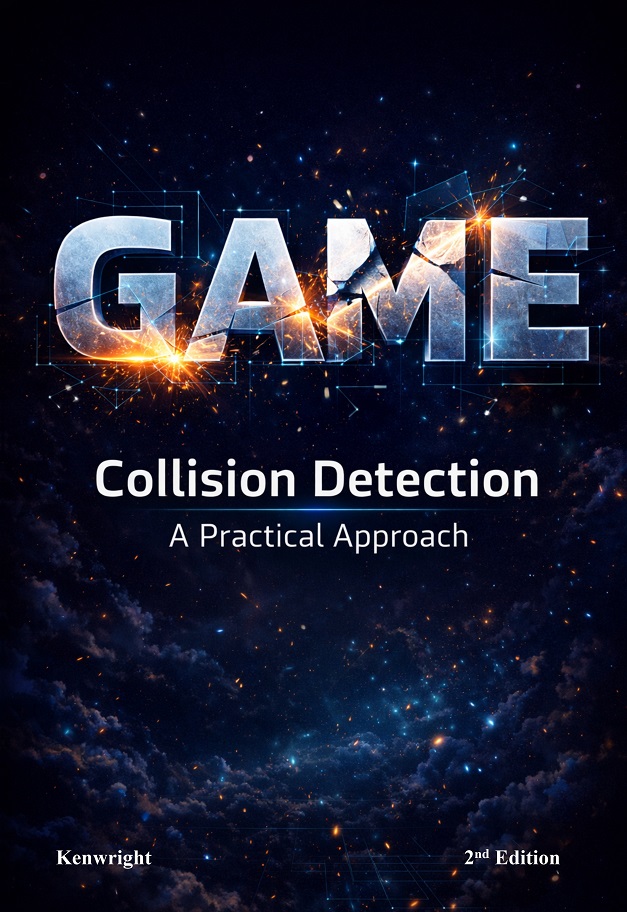
A big part of physics simulations is solving the problem of interacting bodies!
It always starts simple: two shapes drifting around, minding their own business... until they bump into each other. That's the moment everything changes. Suddenly you're not just moving objects - you're dealing with what happens because they meet.
Most of the real work in physics engines comes from handling those moments cleanly. Detecting when things touch, figuring out how deep they overlap, and then nudging them apart without sending everything flying off into space. It's a lot of tiny details, but they add up to a world that feels solid.
You'll see how different collision tests work, why some are fast and others are fiddly, and how to mix them without turning your simulation into a jittery mess. It's all about practical tricks: simple checks, cheap approximations, and the occasional hack that keeps things stable.
Bit by bit, you'll build an intuition for contacts - how to resolve them, how to stack objects without them sinking or bouncing forever, and how friction sneaks in to make everything feel grounded.
And once you've wrestled with a few of these problems yourself, you start to appreciate the charm of it. Contacts and collisions aren't just another subsystem... they're the glue that holds the whole simulation together.
The examples in the book use a mix of C#/C++ - however, below gives a set of web-based implementations you can try out in the browser (no installing or compiling). Basic implementation of a global LCP solver in action.
Web Based Version (Simple Global Solver)
2D (Pure JavaScript and Canvas)
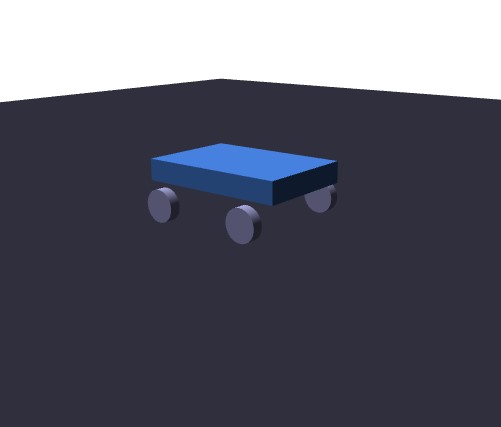
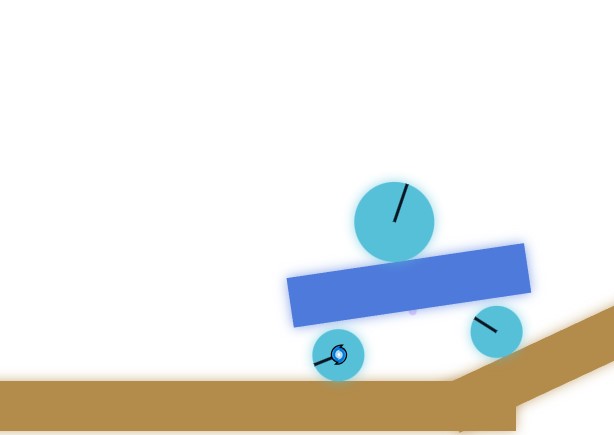
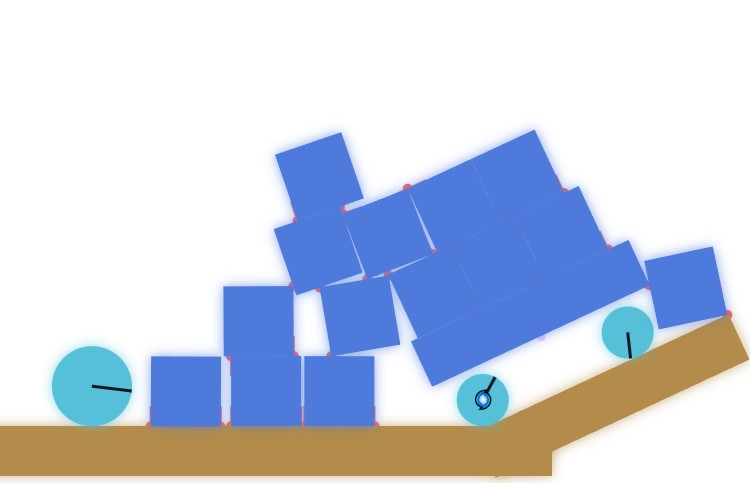
2D/Stacks,Cube,Cars,Motors, ...
3D (Pure JavaScript and WebGL)
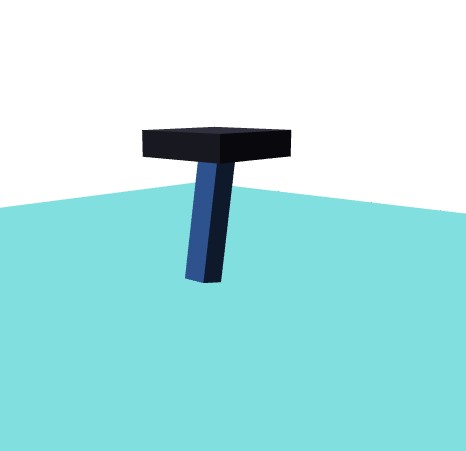
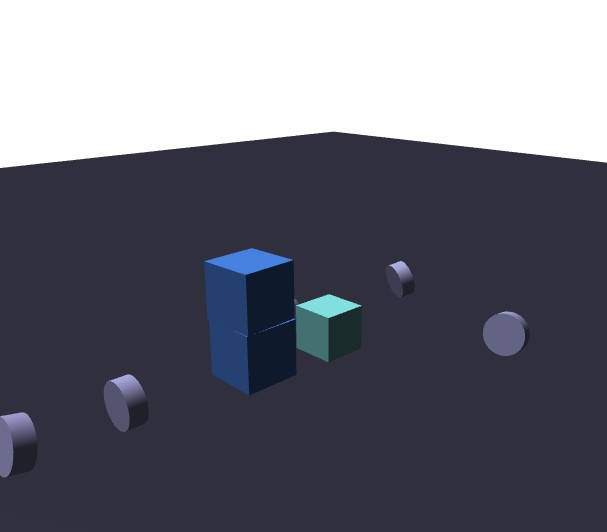
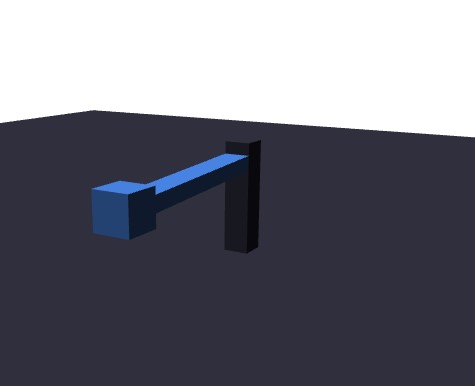
3D/Cubes/Constraints/Hinges/Ragdolls...
The test implementations was a fun demo for 'tinkering' and experimenting with concepts discussed in the book - remember, if you break it, just reload the page and you can start again - be careful though, it's using a global solver, so if you have a lot of rigid bodies, hundreds and hundreds, you'll easily bring your browser to its knees. It was written to teach and see the concepts in action. No libraries or hiding anything - all in a single JavaScript file.
Penalty Basic Game Physics DirectX X Direct X Direct-X- X File Format X DirectX X
Jacobian Solver, LCP Solver, IK, Ragdolls, Physics tricks, matrices, DirectX API X File Skinning X Animation X
NULL, fast, demos, sourcecode, tutorial,
File Mesh X API





|